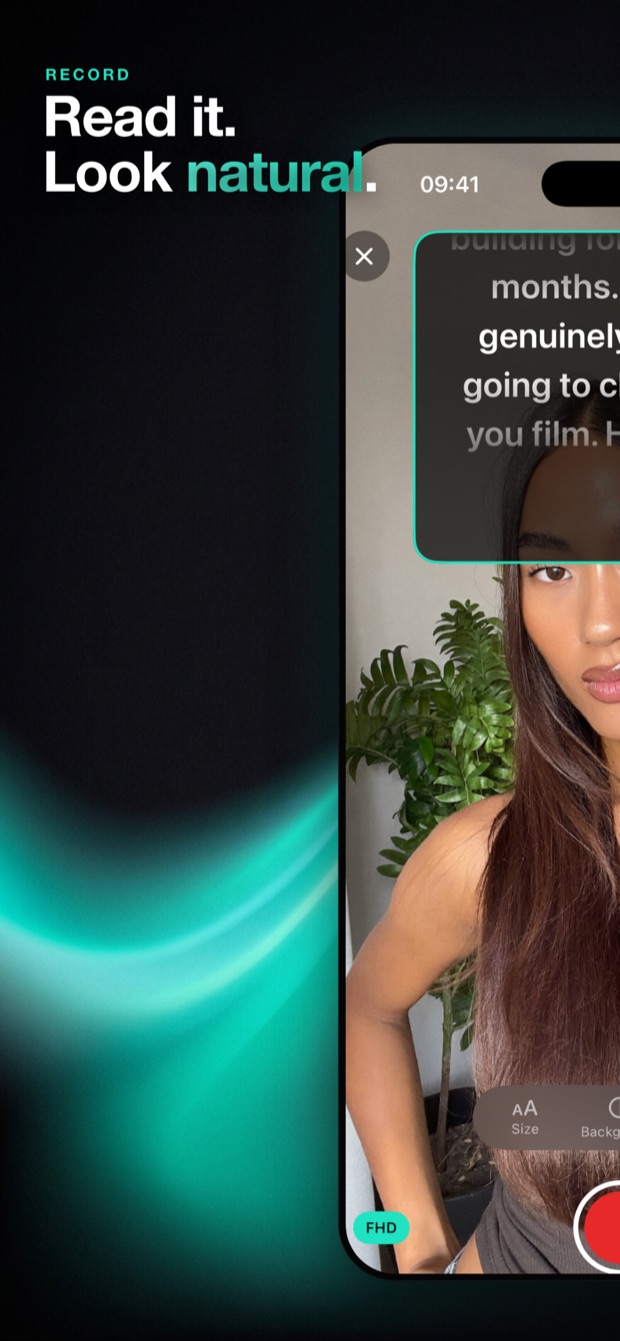
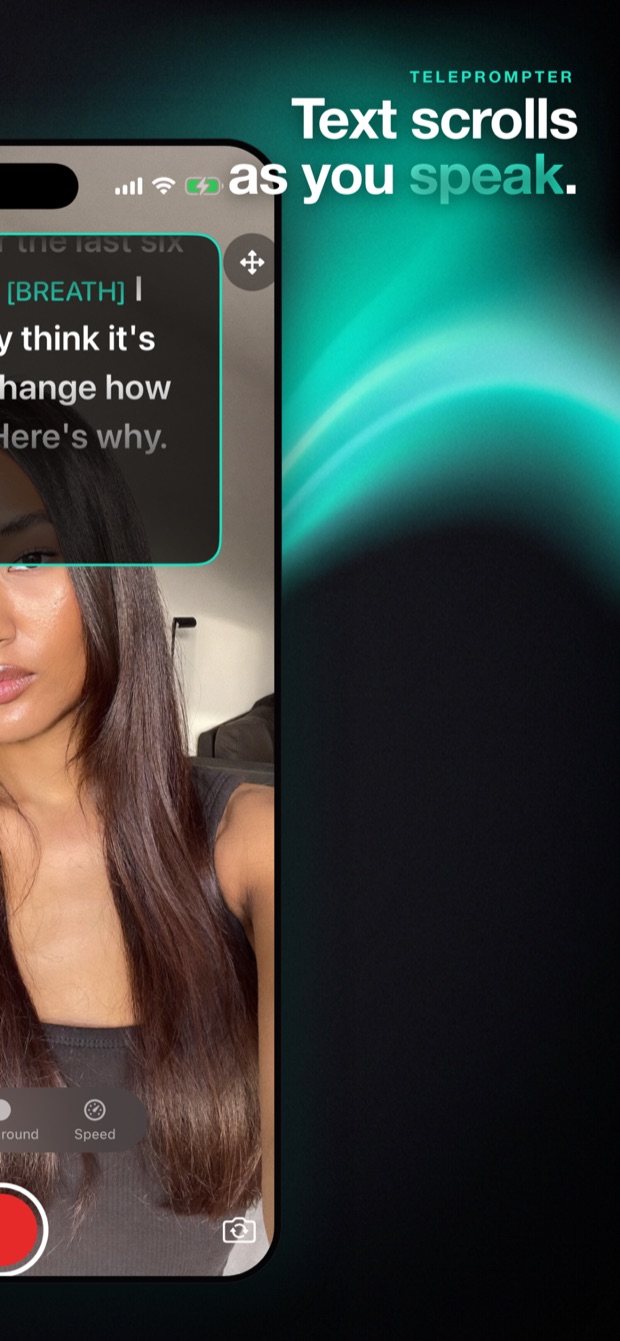
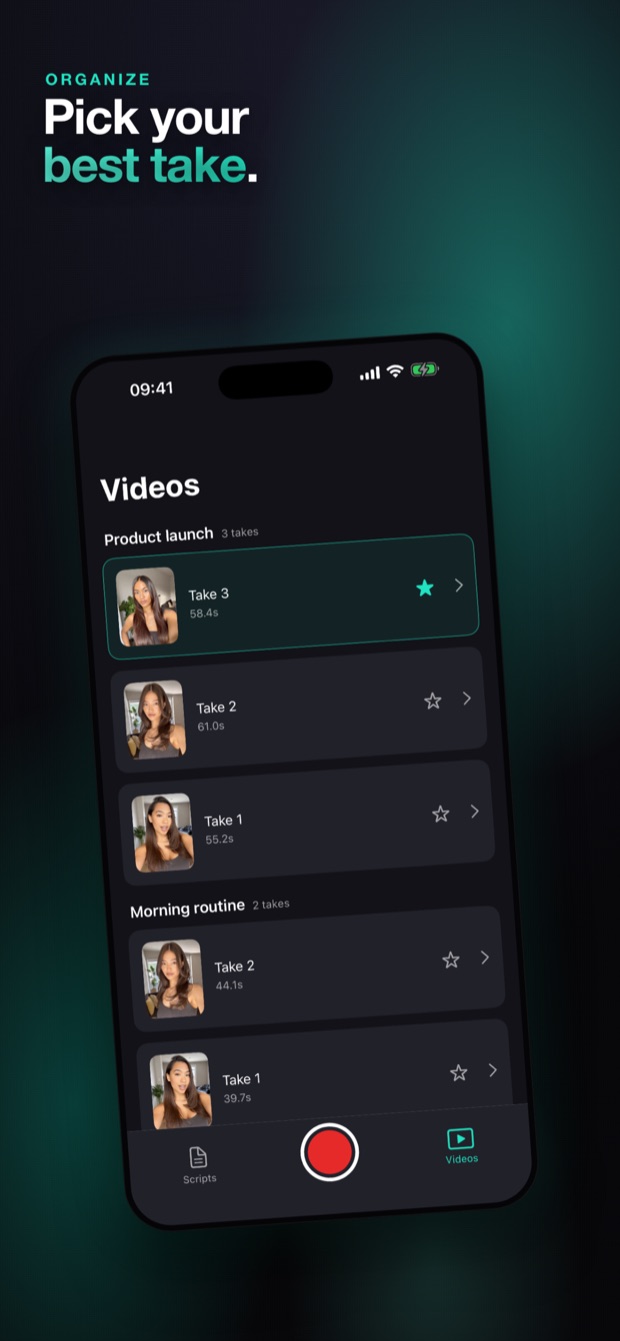
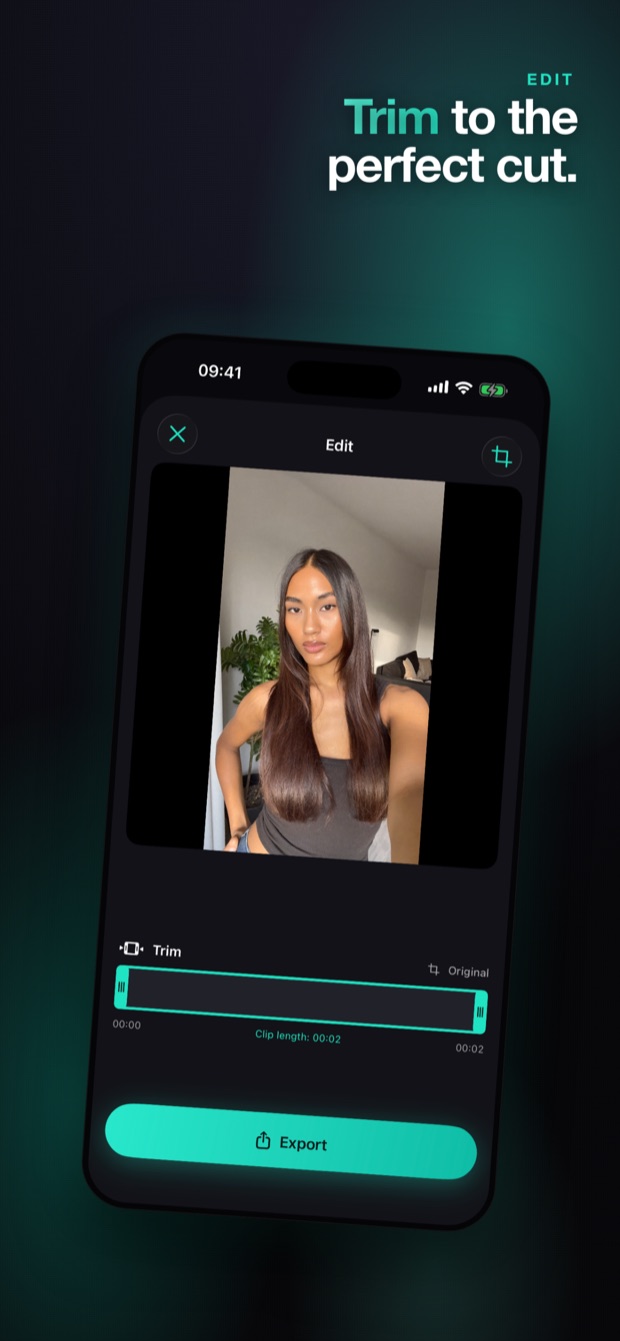
Write your script, look straight into the camera, and let Cuecast do the rest. Voice Scroll follows your speech word by word — then trim, crop and export to TikTok, Reels, Shorts and YouTube. No memorizing. No retakes.
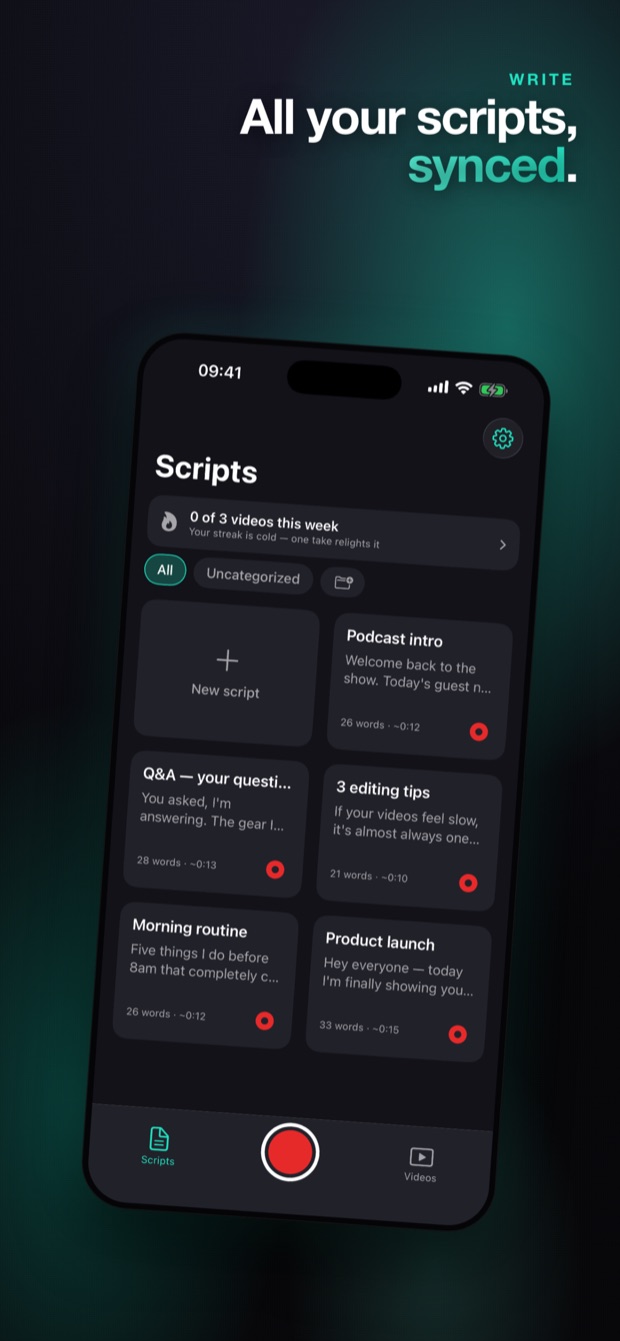
Straight from the App Store — write, record, edit and export without ever leaving Cuecast.


Type or paste your script in a clean, distraction-free editor. Add cue markers like [BREATH] for pacing, and your scripts sync securely across devices.
Hit record and read while the script scrolls right over the camera. Voice Scroll follows your speech — or set a fixed speed. Tap any line to jump mid-take. Full HDR.
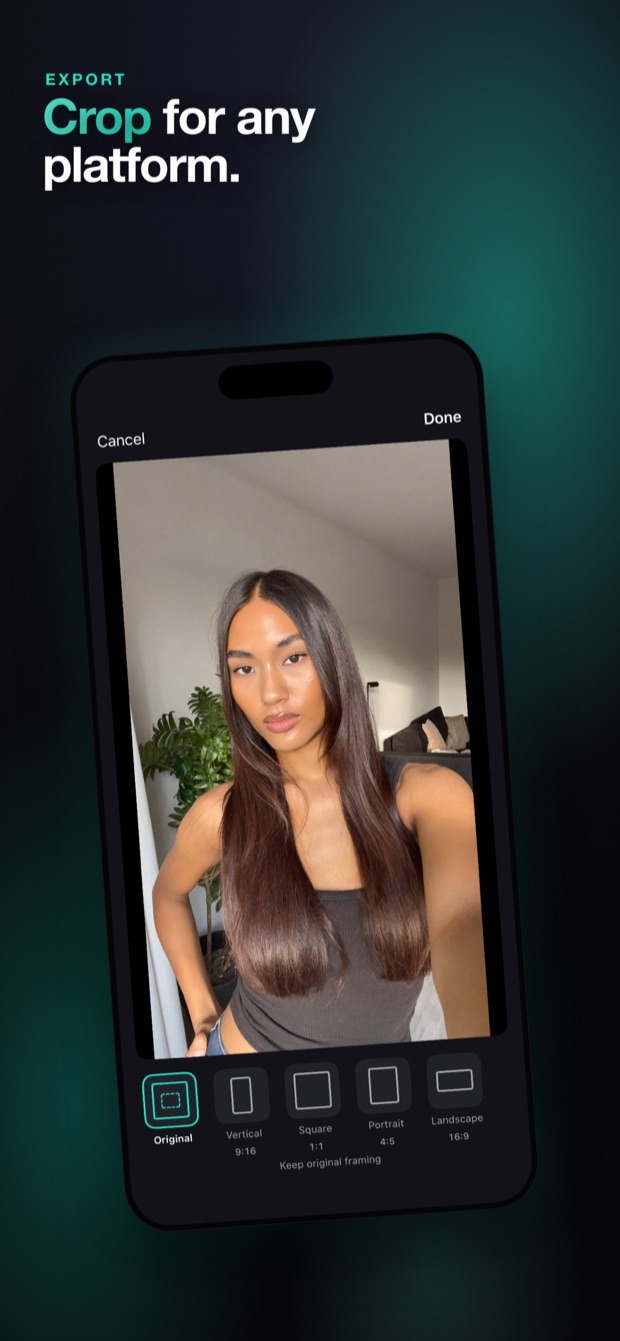
Cut mistakes on a visual timeline, auto-remove silent gaps, crop to 9:16, 1:1, 4:5 or 16:9, and save straight to Photos — ready for TikTok, Reels and YouTube.
Practical guides for creators who talk to the camera — from beating memorization to nailing every platform's format.
What to look for in an iPhone teleprompter — and how Cuecast covers script → record → export in one place.
Read the guide → Voice ScrollHow a teleprompter that follows your voice works, and why hands-free scrolling beats fixed speed.
Read the guide → TikTokScript punchy hooks, keep eye contact, and export perfect 9:16 vertical video.
Read the guide → ReelsFilm scripted Reels that sound natural — plus the right aspect ratios for feed and Stories.
Read the guide → YouTubeHow YouTubers read scripts without sounding robotic — for both long-form 16:9 and Shorts.
Read the guide → TechniqueWhy eye contact sells, and how an on-lens script overlay makes reading invisible.
Read the guide → ConfidenceStop freezing on camera. A repeatable workflow for confident, one-take delivery.
Read the guide → EditingClean up a take in minutes — cut pauses automatically and crop for every platform.
Read the guide →Download Cuecast, paste your script, and record something you're proud of today.
Download on theApp Store